
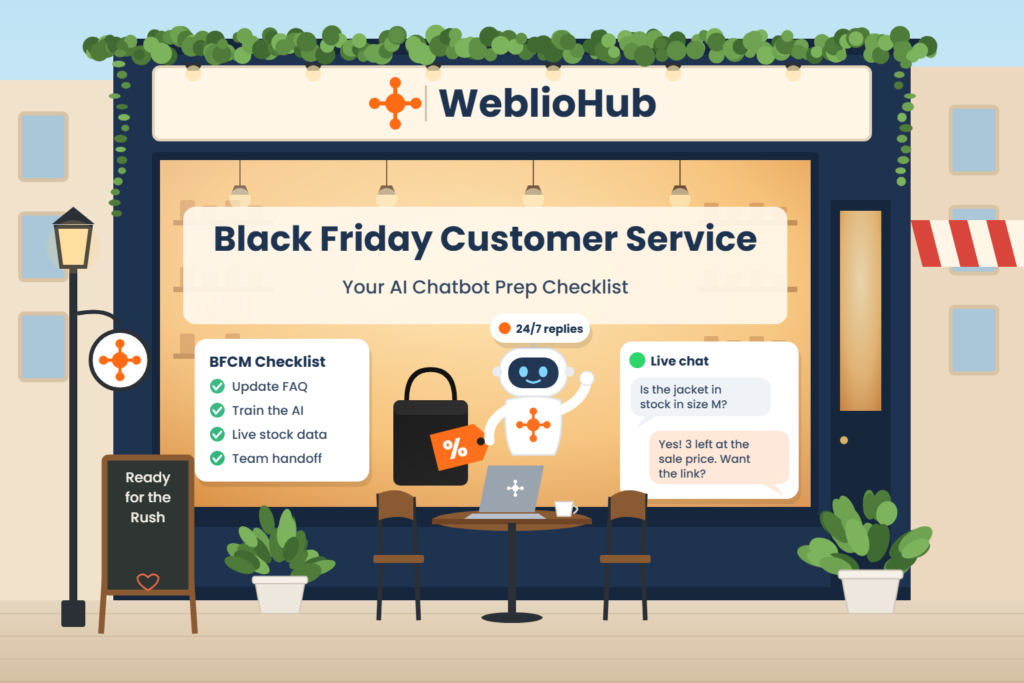
Black Friday Customer Service: AI Chatbot Prep Checklist

Mailchimp Newsletter Integration: Sync Subscribers with WeblioHub

AI Chatbot vs Live Chat: Which Is Better for Small Businesses?

WeblioHub for WordPress: Bring AI Chatbot & Smart Website Tools to Your Site

How to Automate Customer Support Without Hiring More Staff

WhatsApp AI Chatbot for Business: Automate Customer Conversations with WeblioHub

Contact Form Widget for Websites: Receive Messages Directly in Your Email with WeblioHub

Mailing List Widget: Turn Website Visitors Into Email Subscribers

Cookie Consent Analytics: What Can Your Website Learn from Visitor Consent Data?

From Customer Conversations to Action: AI Summaries & Task Management with WeblioHub
About WeblioHub
What is WeblioHub? AI customer support for websites, WhatsApp and Shopify
WeblioHub is an AI customer support platform for small businesses and online stores. It adds an AI chatbot and live chat to your website, connects WhatsApp and Telegram, and brings every conversation into one inbox. The AI answers from the information you give it—your policies, FAQs and documents—in the language the customer writes in, and hands over to you when it is not sure.
This blog shares practical guides on setting up AI customer support, answering customers on WhatsApp, showing Shopify products in chat and collecting cookie consent. Each guide links to the matching step-by-step page in the WeblioHub docs.
Which channels does WeblioHub support?
Website live chat, WhatsApp (through your own Meta app) and Telegram (through your own bot). Conversations from all three arrive in the same inbox, and the same AI assistant can answer them.
How does the AI chatbot answer product questions on Shopify?
With the WeblioHub Shopify app and product search turned on, the AI looks up the product in your store when a shopper asks about it and replies with the live price and stock, showing a product card in the chat. Active, in-stock products are shown first. WooCommerce stores are supported the same way.
What happens with return, exchange and cancellation requests?
The AI recognizes them in the conversation and adds them to a task board with the order number and reason, so your team can follow up.
What else is included besides chat?
A contact form, a newsletter sign-up widget, product reviews and a cookie consent banner with a consent report, all managed from the same dashboard.
Which websites does WeblioHub work on?
Shopify through the WeblioHub app, WordPress and WooCommerce through the WordPress plugin, and any other website (Wix, Webflow or a custom site) with one embed code.
How much does WeblioHub cost?
There is a free plan with the chat widget, contact form, newsletter and reviews on one domain. Paid plans cost $14, $40 or $75 a month and include 300, 900 or 1,800 AI replies.