WeblioHub is now available for WordPress!
We’re excited to introduce the WeblioHub WordPress plugin, making it easier to connect your WordPress website with AI-powered customer support, messaging integrations, and essential website engagement tools.
Whether you run a business website, blog, or WooCommerce store, you can now manage WeblioHub features directly from your WordPress dashboard.
And the best part? You can get started without waiting for the plugin to appear in the official WordPress Plugin Directory.
One Plugin, Multiple Powerful Features
WeblioHub brings several tools together to help you manage customer communication and improve your website experience.
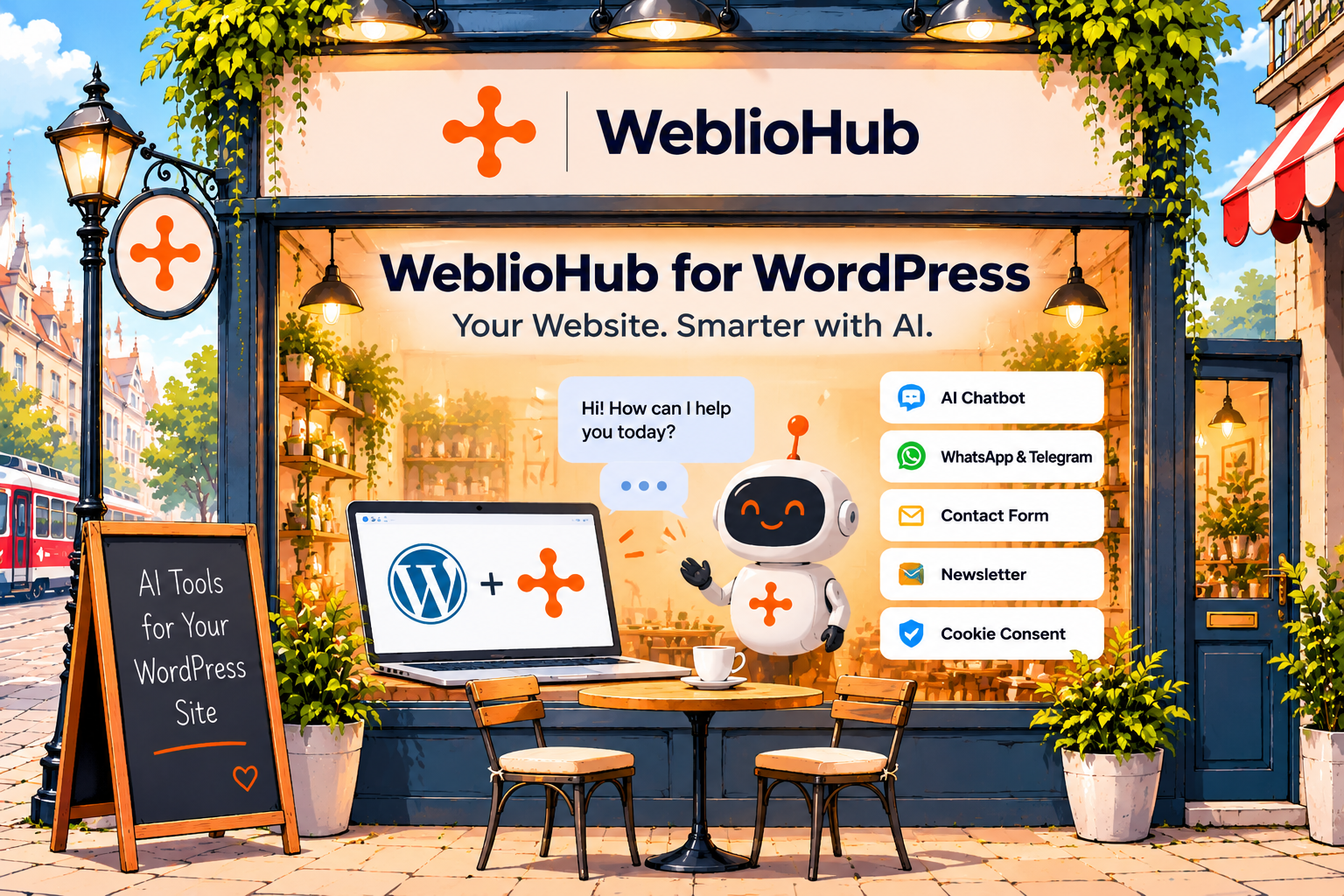
With the WordPress plugin, you can access:
- AI Chatbot: Answer visitor questions automatically using AI trained on your business information.
- WhatsApp & Telegram Integration: Connect messaging channels and automate customer conversations.
- Contact Form: Collect inquiries and deliver submissions to your configured email address.
- Newsletter Widget: Grow your mailing list and collect subscribers.
- Cookie Consent: Manage visitor cookie preferences and access consent-related analytics.
- Messages & Tasks: Review conversations, organize follow-ups, and manage customer requests.
Instead of managing separate services for every feature, WeblioHub connects these tools through one workspace.
Easy WordPress Installation
The WeblioHub plugin is not yet listed in the official WordPress Plugin Directory, but you can download and install it manually today.
Getting started takes just a few steps:
- Visit the WeblioHub WordPress Installation Guide.
- Download the latest
webliohub.zipplugin file. - Open your WordPress dashboard and navigate to Plugins → Add New Plugin → Upload Plugin.
- Upload the ZIP file, install it, and activate the plugin.
- Open the new WeblioHub menu and connect your website.
If you don’t already have a WeblioHub account, one can be created using your WordPress administrator email during the connection process.
After connecting, you can configure your WeblioHub features and add widgets to your website using their embed codes.
Requirements: WordPress 6.4+, PHP 8.0+, administrator access, and a publicly accessible website.
AI-Powered Support for WooCommerce Stores
Running an online store with WooCommerce?
WeblioHub can make product-related customer conversations more useful.
When WooCommerce is active and product search is enabled on an eligible paid plan, your AI chatbot can search published products and provide relevant information, including:
- Product prices
- Stock availability
- Product cards
This helps customers discover products and get answers without manually searching through your store.
Manage Everything from Your WordPress Dashboard
The WeblioHub WordPress plugin is more than a simple chatbot installation.
It connects your WordPress website to a WeblioHub workspace, allowing you to configure supported features, manage messaging integrations, and follow conversations and tasks from the WordPress admin.
You can also customize your AI training to help the chatbot deliver more accurate, business-specific responses.
As your website grows, WeblioHub helps you manage customer engagement without adding unnecessary complexity.
Get Started with WeblioHub for WordPress
Your WordPress website deserves smarter tools.
With WeblioHub, you can bring AI-powered conversations, customer messaging, contact forms, newsletters, and cookie consent tools into one connected experience.
The plugin is available for direct download now, with no need to wait for its official WordPress directory listing.
Ready to upgrade your WordPress website?
Download WeblioHub for WordPress →
Smarter Websites. Stronger Businesses.