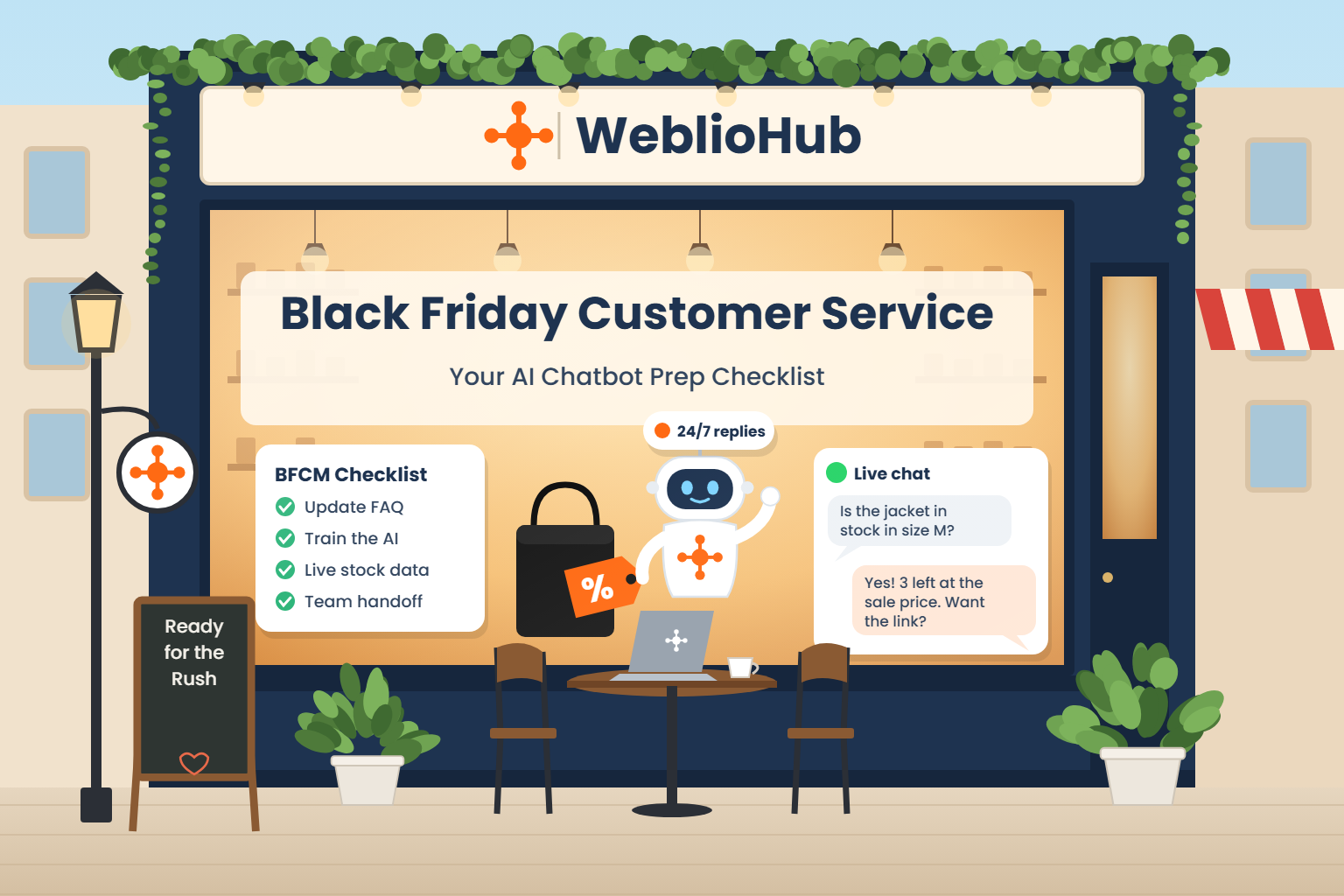
Black Friday falls on November 27, 2026, and Cyber Monday follows on November 30. For most online stores, those four days bring more visitors, more orders and more questions than any other weekend of the year. Customer service is where the weekend is often won or lost: a shopper who can’t get a quick answer about shipping or sizing usually doesn’t wait. They open another tab.
This guide is a practical checklist for getting your Black Friday customer service ready, with an AI chatbot doing the repetitive work and your team handling the conversations that need a person. It works for Shopify stores, WooCommerce and WordPress sites, and any other website.
Why Black Friday puts so much pressure on support
The numbers from last year show how concentrated the demand is. Shopify reported that its merchants made a record $14.6 billion in sales over the 2025 Black Friday Cyber Monday weekend, up 27% from 2024, with more than 81 million shoppers buying from Shopify-powered brands. Sales peaked at $5.1 million per minute just after noon (EST) on Black Friday. Shopify also said 16% of all orders that weekend were cross-border.
Across the US market, Adobe Analytics reported $11.8 billion in online spending on Black Friday 2025, a new record.
What does that mean for a small team? Three things:
- Volume arrives in bursts. Questions pile up when a sale goes live, when an email campaign lands and in the evening hours, not evenly through the day.
- Questions repeat. Most messages are about shipping times, discount codes, stock, sizes and returns. These are exactly the questions an AI chatbot can answer from your own policies.
- Shoppers come from more places and languages. With one in six orders crossing a border, an English-only help desk leaves money on the table.
The Black Friday customer service checklist
The steps below are in the order we recommend doing them. If you start this week, you have enough time to set everything up, test it and fix gaps before the rush.
1. Review last year’s questions
Before you change anything, look at what customers actually asked during last year’s sale and in recent weeks. Go through your inbox, chat history and social messages and group the questions into topics. A typical list looks like this:
- “When will my order arrive?” and “Do you ship to my country?”
- “Does this discount code work on sale items?”
- “Is this in stock in size M?”
- “Can I return a Black Friday purchase?”
- “How do I change or cancel my order?”
The top 15 to 20 topics usually cover most of your volume. Those become the content you give your AI assistant in the next step.
2. Write a Black Friday FAQ and policy update
An AI chatbot can only be as accurate as the information it has. Update your policies for the sale period and write them in plain language:
- Sale dates and times, including the time zone. “Ends Monday at midnight” means different things to different shoppers.
- Discount rules: which codes stack, which products are excluded, whether bundles count.
- Shipping cut-offs for delivery before the holidays, and expected delays.
- Return and exchange rules for sale items. If you extend the return window for holiday gifts, say so clearly.
- Support hours for your human team during the weekend.
Publish this on your website as well. A visible FAQ page reduces questions on its own, and it gives the chatbot one consistent source.
3. Train your AI chatbot on the new information
Next, give the same information to your assistant. In WeblioHub this happens in AI Training:
- Add your delivery rules, return rules, support hours and sale details to Company Details, the main knowledge area the assistant answers from.
- Upload longer documents (for example a full returns policy) as PDF, TXT or DOCX files.
- Use Custom Instructions for behavior that should always apply, for example “Never promise delivery dates that are not listed in our shipping policy” or “Always mention that sale items can be exchanged until January 15.”
Keep the wording short and specific. “Orders placed by December 15 arrive before Christmas in the US and EU” works better than a long paragraph about logistics.
4. Connect live product data
Stock and price questions are where a chatbot can give a wrong answer most easily, because prices change during a sale and popular items sell out within hours. Avoid copying your catalog into the bot’s training. Connect it to live data instead.
With the WeblioHub AI chatbot for Shopify, you can turn on product search: when a shopper asks about a product, the assistant looks it up in your store at that moment and replies with a product card that shows current price and stock. WooCommerce stores answer from their own catalog in the same way. On other websites, you can add a custom product feed (XML, JSON or CSV) so the assistant can still show products and prices.
5. Decide what the AI handles and when a person takes over
The goal is not to automate every conversation. It is to let the AI answer the repetitive questions instantly so your team has time for the ones that need judgment. Write down a simple split:
| Let the AI answer | Hand over to your team |
|---|---|
| Shipping times and countries | Damaged or missing orders |
| Discount rules and sale dates | Payment problems and refunds |
| Stock, sizes and product details | Angry or upset customers |
| Return policy and how to start a return | Large or wholesale orders |
| Order changes that follow a clear rule | Anything outside your written policies |
Then set up the handoff. In WeblioHub you can limit how many times the AI replies in a single conversation (between 1 and 100, 20 by default). When the limit is reached, the chatbot shows your handoff message and your contact details. Write that message for the sale weekend, for example: “Our team will take it from here. We reply within two hours until 10 pm today.”
Your team can also step in at any point. Website chat, WhatsApp and Telegram conversations arrive in the same inbox, so nobody has to switch between apps to take over.
6. Turn returns and cancellations into tasks
Return, exchange and cancellation requests spike after the sale, and they are easy to lose in a busy inbox. On Shopify, WeblioHub recognizes these requests in the conversation and collects them on a task board with the order number and the reason. That gives your team a clean list to work through on Tuesday morning instead of scrolling through hundreds of chats. We explained this workflow in more detail in From Customer Conversations to Action.
7. Answer in your customers’ language
If you sell internationally, set the assistant’s response language to automatic. It then replies in the language the visitor writes in, using the policies you wrote once. This matters more during Black Friday than at any other time, because international shoppers are browsing your store late at night in their own time zone, when your team is offline.
One tip: put prices and shipping rules for each region in your Company Details, so the assistant doesn’t have to guess what applies to a shopper in Germany versus one in Canada.
8. Be available on the channels your customers use
Many shoppers prefer messaging apps to website chat, especially on mobile. If your customers already write to you on WhatsApp or Telegram, connect those channels before the sale, not during it. With the WhatsApp AI customer support integration, your WhatsApp Business number connects through Meta’s official Cloud API and the same trained assistant answers there.
If you use the WhatsApp Business Platform, check Meta’s current pricing for your countries before the sale, since Meta has changed its message pricing several times in 2026.
9. Test everything with real questions
Set aside an hour a week before Black Friday and test your setup like a customer would:
- Ask the 20 most common questions from step 1, in the way customers actually write them, including typos.
- Ask about a product that is out of stock and one that is on sale.
- Ask a question the bot should not answer (for example a refund for a damaged item) and check that it hands over correctly.
- Write in a second language if you sell abroad.
- Test on your phone, since most Black Friday traffic is mobile.
Every wrong or vague answer points to a missing line in your Company Details or Custom Instructions. Fix it and test again.
10. Check your capacity before the weekend
Make sure nothing runs out in the middle of the sale. On WeblioHub, AI replies use tokens from your plan. If you expect a large spike, check your balance in the dashboard beforehand. Paid plans can add extra token packs, and unused add-on tokens roll over while your subscription stays active.
Also plan your team’s hours around the peaks: the launch of the sale, the morning of Black Friday, Sunday evening and Cyber Monday.
During the sale: what to watch
Once the sale is live, check your inbox a few times a day with three questions in mind:
- What new questions are coming in? If many people ask about something you didn’t expect, such as a delayed carrier, add the answer to your AI Training right away.
- Where is the AI handing over? Frequent handoffs on the same topic usually mean the information is missing or unclear.
- How fast is your team replying to handed-over chats? These are the customers with real problems. They should not wait longest.
After the sale: learn for next year
The week after Cyber Monday is the best time to prepare for next year, while everything is fresh. Export or note the most common questions, the topics the bot couldn’t answer and the return reasons from your task board. Update your FAQ and keep the improved setup running. The questions that came up during Black Friday will come up again in the December gift season.
If you are still deciding how much of your support to automate, our comparison of AI chatbot vs live chat and our guide on automating customer support without hiring more staff go deeper into both sides.
Quick summary
- Collect last year’s top questions and turn them into a clear Black Friday FAQ.
- Train your AI chatbot on that FAQ and connect it to live product data.
- Decide what the AI answers and set up a clear handoff to your team.
- Reply in your customers’ languages and on the channels they use.
- Test with real questions a week before the sale, then watch and adjust during the weekend.
WeblioHub has a free plan with no credit card required, and AI replies start at $14 per month. You can set up your chatbot today and have it trained and tested well before Black Friday.
Frequently asked questions
When should I start preparing customer service for Black Friday?
Ideally three to four weeks before the sale. That gives you time to update policies, train your chatbot, connect channels and test. If you are short on time, focus on the top 20 questions and a clear handoff to your team.
Can an AI chatbot handle Black Friday customer service on its own?
It can answer most repetitive questions, such as shipping, discount rules, stock and returns, at any hour. Complaints, payment problems and damaged orders should still go to a person. The best setup combines both, with a clear rule for when the AI hands over.
How do I stop the chatbot from giving wrong prices during a sale?
Don’t copy prices into the bot’s training. Connect it to live product data instead. On Shopify, WeblioHub’s product search reads the current price and stock when a shopper asks, so answers stay correct even when prices change.
What are the most common customer questions on Black Friday?
Delivery times and shipping countries, whether a discount code works on a product, stock and sizes, return rules for sale items, and how to change or cancel an order. Reviewing your own inbox from last year gives you the most accurate list for your store.
Do I need a separate tool for WhatsApp and website chat?
Not with WeblioHub. Website chat, WhatsApp and Telegram conversations arrive in one inbox, and the same trained AI assistant can answer on all of them.