
Customer conversations contain more than messages.
A customer may request a meeting.
Another may want to cancel an order.
Someone may report a problem that needs to be investigated later.
A potential customer may ask for information that requires a sales follow-up.
The conversation itself is only the beginning.
The real challenge is:
What happens after the conversation ends?
Important requests can easily disappear inside long message histories. Teams have to reread conversations, understand what happened, decide what needs to be done and manually create follow-up tasks.
WeblioHub is designed to simplify this process.
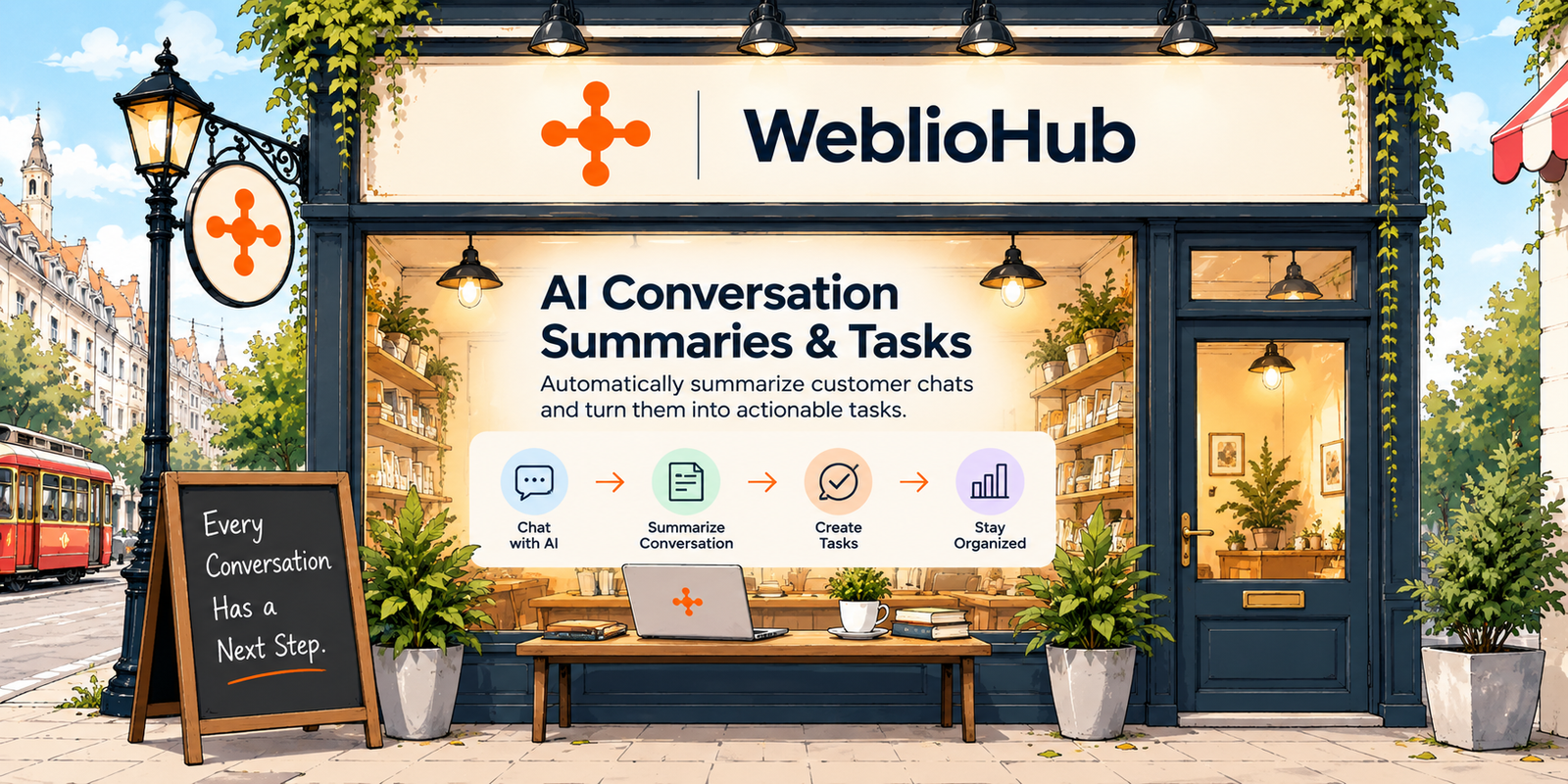
With the new AI Conversation Summary & Task Management feature, customer conversations can be summarized and transformed into actionable tasks — automatically or manually.
Instead of simply storing conversations, WeblioHub helps turn them into an organized workflow.
Conversation → AI Summary → Task → Action
Customer Support Shouldn’t End When the Chat Ends
Most customer messaging systems focus heavily on the conversation itself.
A message arrives.
An agent or AI responds.
The customer replies.
Eventually, the conversation ends.
But many conversations create work that must happen afterward.
Consider these examples:
“Can we schedule a meeting for next Tuesday?”
This may require a meeting follow-up.
“I’d like to cancel my order and receive a refund.”
This becomes a cancellation and refund task.
“The product I received is damaged.”
Someone needs to investigate the issue.
“Can your team contact me about an enterprise plan?”
This may become a sales opportunity.
The messages are different, but they share the same requirement:
Someone needs to do something next.
WeblioHub’s task system is built around that idea.
Introducing AI Conversation Summaries in WeblioHub
WeblioHub can summarize a customer conversation and extract the important context from it.
Instead of another team member having to read the entire message history, they can see a concise explanation of what happened.
For example, a long conversation about scheduling could become:
Meeting Request — 21 October 2026
Customer requested a meeting. A meeting was scheduled for 21 October 2026 at 09:30.
Or a cancellation conversation could become:
Order Cancellation & Refund
Customer requested cancellation of their order and asked for a refund. The request requires review and follow-up.
The objective is simple:
Preserve the important context without requiring your team to reread every message.
From AI Summary to Actionable Task
Summarization by itself is useful.
But WeblioHub goes one step further.
The summarized conversation can become a task.
This changes the system from a conversation archive into an operational workflow.
For example:
Customer conversation
↓
AI understands the request
↓
Conversation is summarized
↓
Task is created
↓
Team processes the task
↓
Task is completed
A support request is no longer buried inside a chat window.
It becomes visible work.
Automatic and Manual Conversation Summaries
Different businesses need different levels of automation.
That’s why WeblioHub supports both automatic and manual summarization workflows.
Automatic
When appropriate, WeblioHub can automatically identify the important outcome of a conversation and create a task based on that context.
This is useful when handling larger conversation volumes.
Instead of manually reviewing every completed conversation, AI can help convert relevant interactions into structured work.
Manual
Your team can also choose when a conversation should be summarized.
This provides additional control when a particular conversation requires follow-up.
A team member can trigger the summarization process and turn the conversation into a task.
This combination provides:
AI automation when it saves time.
Manual control when your team needs it.
Organize Customer Requests with Task Boards
Creating a task is only useful if your team can organize what happens next.
WeblioHub’s task system provides a visual workflow for managing customer-related work.
Tasks can represent different types of outcomes, such as:
Meeting requests
Cancellation and refund requests
Customer complaints
Technical problems
Sales opportunities
Product questions requiring follow-up
General customer requests
Internal actions
Teams can then move tasks through their workflow as work progresses.
For example:
New Request → In Progress → Completed
Or businesses can create categories relevant to their own operations, such as:
Meetings
Cancellation & Refund
Technical Issues
Sales Leads
The conversation provides the context.
The task board provides the workflow.
Example: From Chat to Scheduled Meeting
Consider a customer speaking with your AI chatbot.
The customer says:
“Can we have a meeting?”
WeblioHub AI can respond and provide the meeting scheduling flow.
The customer selects an available date and time.
A meeting is booked.
The conversation now contains important information:
Customer: Oğuzhan
Request: Meeting
Date: 21 October 2026
Time: 09:30
Status: Meeting booked
Instead of requiring someone to review the conversation later, the relevant context can be summarized into a task.
Your team can immediately understand what happened and what comes next.
This connects two WeblioHub capabilities:
AI Meeting Booking → AI Conversation Summary → Task Management
The customer interaction becomes an organized business process.
Example: Cancellation and Refund Request
Now consider a different conversation.
A customer writes:
“I want to cancel my order and request a refund.”
The AI assistant can handle the initial conversation, but the actual cancellation may require action from your team.
Instead of leaving the request inside the conversation history, WeblioHub can summarize it and create a task.
For example:
Cancellation & Refund
Customer requested an order cancellation and refund. The request requires review by the relevant team.
The task can then remain visible until someone processes it.
Once completed, it can be moved to Completed.
This reduces the risk of an important customer request being forgotten after the conversation ends.
AI That Understands the Outcome, Not Just the Messages
This is an important distinction.
Traditional chat systems primarily store messages.
Modern AI systems can help understand what those messages mean operationally.
A conversation containing 30 messages might ultimately represent only one business outcome:
Schedule a meeting.
Or:
Cancel an order.
Or:
Investigate a technical problem.
Or:
Contact this potential customer.
AI conversation summarization reduces the noise and preserves the outcome.
That makes the conversation more useful to the rest of your team.
Why AI Conversation Summaries Matter
As message volume grows, manually reviewing conversations becomes increasingly inefficient.
Imagine receiving 10 conversations per day.
A small team can probably keep track of them manually.
Now imagine:
100 conversations per day.
Or:
1,000 conversations per day.
The problem isn’t only responding quickly.
It’s remembering everything that needs to happen afterward.
AI summarization can help reduce the amount of manual conversation review while creating a more structured handoff between customer communication and internal operations.
Stop Losing Important Requests Inside Chat History
One of the biggest problems with messaging-based customer support is that important information becomes mixed with ordinary conversation.
A customer might exchange 20 messages with your chatbot before saying:
“Please have someone contact me tomorrow.”
If nobody notices that final request, the opportunity can be lost.
A task-oriented system creates a different workflow.
Instead of asking:
“Did someone read that conversation?”
your team can ask:
“Is the task completed?”
That’s a much more operational way to manage customer communication.
AI + Human Workflow
WeblioHub’s approach doesn’t require everything to be controlled by AI.
AI can handle repetitive work:
Answering common questions
Summarizing conversations
Identifying important context
Helping create tasks
Humans remain responsible for situations that require judgment or action:
Processing a refund
Joining a meeting
Resolving a complex issue
Contacting a sales lead
Investigating a customer complaint
The resulting workflow is:
AI handles information.
Your team handles action.
One Customer Conversation, One Clear Outcome
Customer conversations can be messy.
Customers don’t always explain their request in a structured way.
They might start by asking about a product, continue with pricing questions, discuss a problem and finally request a meeting.
Your internal team shouldn’t have to reconstruct that entire journey every time.
A good summary can answer three questions:
Who is the customer?
What happened?
What needs to happen next?
That is the information your team actually needs.
Build a Customer Operations Workflow Around Conversations
The larger opportunity goes beyond summarization.
WeblioHub is connecting several stages of the customer journey.
A visitor can start a conversation through the AI Chatbot.
AI can answer common questions.
The visitor can book a meeting directly from the chat.
The conversation can be summarized with AI.
A task can be created based on the outcome.
Your team can process that task and eventually mark it as completed.
The complete workflow becomes:
Customer Message
↓
AI Conversation
↓
Customer Intent
↓
Action / Meeting / Request
↓
AI Summary
↓
Task
↓
Team Workflow
↓
Completed
This is where an AI chatbot begins to become more than a chat widget.
It becomes part of the business workflow.
Useful for More Than Customer Support
The task system can also connect conversations to different departments.
A refund request might go to customer service.
A technical issue might require development.
A meeting request might belong to sales.
A partnership inquiry might require management attention.
A product question might require someone from operations.
This means conversation intelligence can help create a bridge between customer communication and internal collaboration.
From Reactive Support to Organized Customer Operations
Traditional customer support is reactive.
A customer writes.
Someone responds.
The interaction ends.
WeblioHub is moving toward a more structured model:
Understand → Respond → Summarize → Organize → Act
The difference is significant.
You’re no longer only managing messages.
You’re managing the work generated by those messages.
AI Customer Support That Creates an Action Plan
The future of customer communication isn’t simply about making AI answer faster.
The more valuable question is:
Can AI help the business understand what needs to happen next?
With WeblioHub’s AI Conversation Summary & Task Management feature, conversations can become actionable work.
A meeting request becomes a meeting task.
A cancellation becomes a cancellation workflow.
A customer problem becomes a follow-up task.
A sales inquiry becomes an opportunity that your team can act on.
And instead of searching through old messages, your team has a structured view of what requires attention.
Chat → Understand → Summarize → Act.
That’s the next step for WeblioHub AI customer communication.
FAQ
Can WeblioHub summarize customer conversations with AI?
Yes. The conversation summarization feature is designed to extract the important context from a customer interaction so teams don’t need to manually reread the complete message history.
Can a conversation become a task?
Yes. Relevant conversations can be transformed into tasks, allowing customer requests to move into an organized workflow.
Are summaries created automatically?
WeblioHub supports automated workflows as well as manual summarization, allowing businesses to determine how much control they want over the process.
What types of tasks can be created?
Tasks can represent outcomes such as meetings, cancellation and refund requests, customer issues, sales follow-ups or other actions generated by customer conversations.
Can tasks be marked as completed?
Yes. Tasks can move through the workflow and be organized based on their current status, including completed work.
Does this replace human customer support?
No. The purpose is to automate repetitive information processing and help teams identify actionable work. Tasks requiring business decisions or human action can still be handled by the relevant team member.